
Pearson BTEC International Level 3
Pearson BTEC International Level 3 in Information Technology
A practical, unit-based Level 3 route into university or the IT industry. Study web development, cyber security, cloud, AI and more, and choose the size that fits your plans.
- qualification sizes
- 5
- units to choose from
- 25
- guided learning hours
- 180 to 1080
- collaboration on content
- Microsoft
Overview
Study IT the way the industry uses it
The Pearson BTEC International Level 3 qualifications in Information Technology are for learners who want to study IT and then move on to higher education or work in the IT industry.
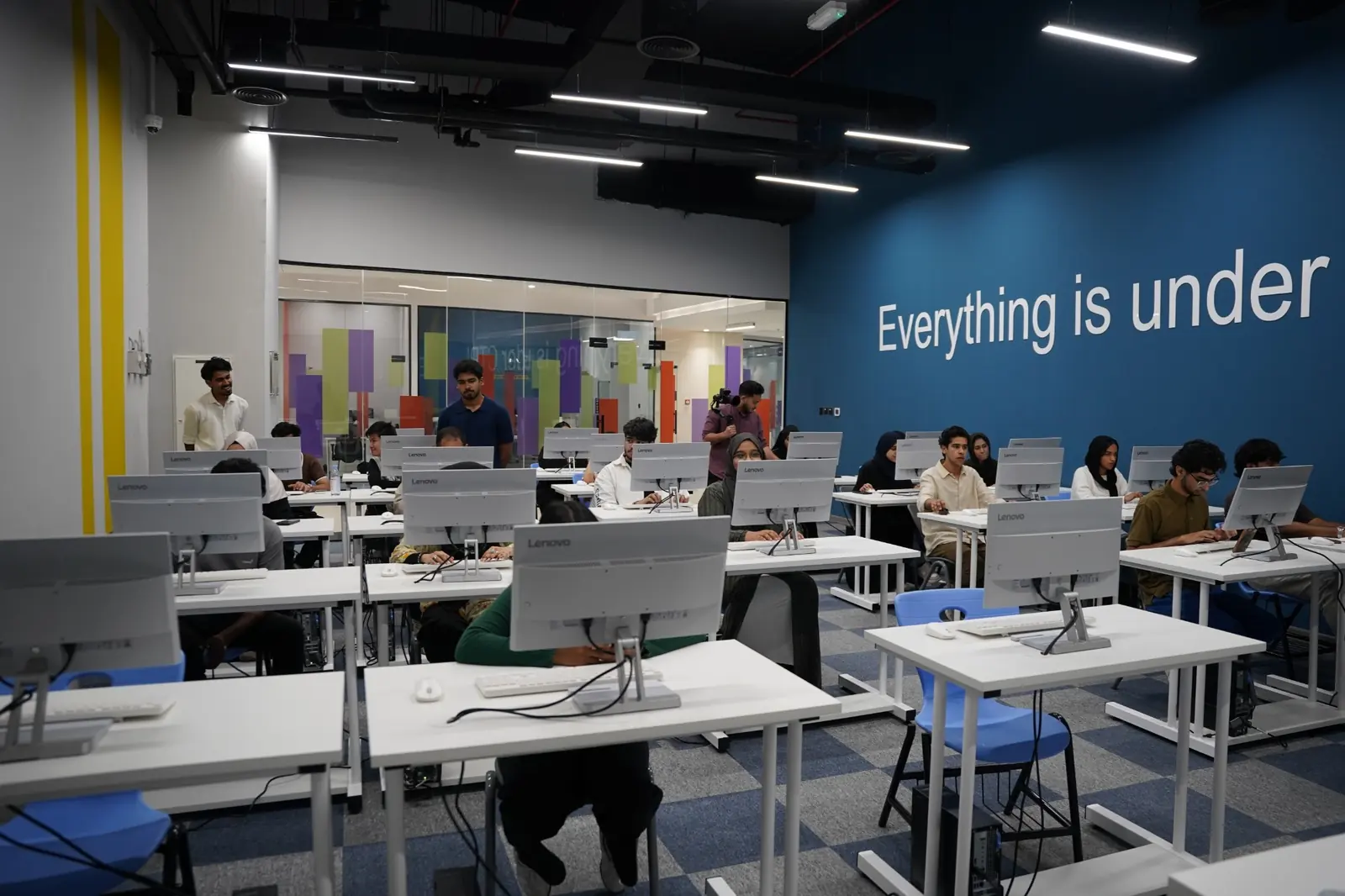
You learn through projects and practical tasks rather than a single final exam. Mandatory units give everyone a solid base in IT systems and website development, and a wide choice of optional units lets you move towards programming, cyber security, cloud, data, games, mobile apps or emerging technologies such as AI.
The qualifications come in five sizes, so you can study IT as your main subject or alongside other courses.

-
Recognised for progression
Pearson says BTEC International Level 3 qualifications are recognised by governments, industry and higher education, and that over 100,000 BTEC learners apply to university every year.
-
Learn by doing
Flexible units and project-based assessment build practical, interpersonal and thinking skills as well as subject knowledge.
-
Start small, move up
The structures are designed so a learner who starts with the smallest size can progress to a larger one.
-
Built with Microsoft
Content was developed in collaboration with Microsoft, and several units partly align with Azure fundamentals certification objectives.
Qualification sizes
Choose the size that fits your plans
All five sizes share the same units, so you can move between them. Select a size to see what it involves.
Certificate
A basic introduction to IT to study alongside other vocational or general qualifications, with a view to progressing to a wide range of higher education and job opportunities, not necessarily in IT.
See the units for this sizeSubsidiary Diploma
An introduction to creating IT systems that manage and share information, to study alongside other fields, with a view to progressing to a wide range of higher education and job opportunities.
See the units for this sizeFoundation Diploma
Covers the fundamentals of the IT sector. It supports progression to a work-based learning qualification in IT and/or a further year of study at Level 3, and to higher education and jobs when taken with other Level 3 qualifications.
See the units for this sizeDiploma
For learners who want IT as the main element of their studies, alongside a complementary or contrasting subject.
See the units for this sizeExtended Diploma
The full-time two-year route. It meets entry requirements in its own right for some IT or related courses, such as an HNC or HND in Computing, Engineering or Business Management, and can lead directly to Level 3 jobs in the IT sector.
See the units for this sizeUnits
Units you can study
GLH means guided learning hours. Pick a size to see which units are mandatory and which are optional for it.
Assessment and grading
How you are assessed
Every unit is assessed internally by your teachers, with extra controls on the mandatory units.
-
Pearson Set Assignments
Units 1, 6 and 11 use an assignment set by Pearson and marked by your teachers. It has an advised time of 20 hours, is completed on a computer, and resits are allowed during the programme.
-
Internal assignments
For the other units your centre picks the assessment style: research write-ups, case studies, projects with your own choice of direction, or demonstrating practical skills. Pearson supplies an Authorised Assignment Brief.
-
Graded unit by unit
Each unit is graded Distinction, Merit, Pass or Unclassified. Bigger units count for more, so a 120 GLH unit counts double a 60 GLH unit toward your final grade.
-
Quality checked
All units are subject to external standards verification, which keeps standards consistent between centres.
Grade scale
| Unit grades | D, M, P, U |
|---|---|
| Certificate, Subsidiary Diploma, Foundation Diploma | P to D* |
| Diploma | PP to D*D* |
| Extended Diploma | PPP to D*D*D* |
Entry requirements
Who can join
There are no formal entry requirements, but you should have qualifications at or equivalent to Level 2. You are most likely to succeed with:
- Five International GCSEs at good grades, and/or
- BTEC qualifications at Level 2, or
- Other suitable qualifications or achievement in core subjects at Year 11 or age 16.
- Relevant work experience or an aptitude shown through diagnostic tests can also show you are ready.
- If you study in English, Pearson recommends at least level B2 of the Common European Framework or a Pearson Global Scale of English score of 51.
Admission is decided by the centre that delivers the course. Talk to an advisor to check your starting point.
Progression
Where it can take you
The qualification supports progression to higher education and to apprenticeships and entry-level jobs.
Continue to higher education
- HN in Computing
- HN in Digital Technologies
- HN in Cloud Computing
- HNC in Interactive Media
- FdSc in Business Computing
- HND in Engineering
- BSc (Hons) in Information Management for Business
- BA (Hons) in Accounting and Finance
Start your career
- Software Developer
- Web or Content Developer
- Mobile App Designer
- Games Designer
- Programmer
- IT or Business Analysis Support
- Electronics Engineer
- Cloud Architect
Always check the entry requirements of the university or employer you are aiming for.
Industry links
Built with industry
Pearson developed the content with employers, universities and professional bodies.
-
Microsoft Azure fundamentals
Units 1, 10 and 15 partly align with the objectives of the Microsoft Azure Data Fundamentals and Azure Fundamentals certifications.
-
Microsoft Computer Science Curriculum
Units 21 to 25 cover AI, robotics and automation, emerging technologies, technical fundamentals and full stack development.
-
Employability skills
Units build problem-solving, teamwork, communication, self-management and resilience, the skills employers and universities look for.
FAQ
Frequently asked questions
What is the BTEC International Level 3 in Information Technology?
It is a Pearson qualification for learners who want to study IT and then continue to higher education or start work in the IT industry. It comes in five sizes: Certificate, Subsidiary Diploma, Foundation Diploma, Diploma and Extended Diploma.
Which size should I choose?
It depends on the rest of your programme. The Diploma or Extended Diploma suit learners who want IT as their main subject. The Certificate or Subsidiary Diploma suit learners who combine IT with other qualifications, or who study part time while working. The Extended Diploma is the best fit if you already know you want to work in IT.
Is it assessed by exams?
All units are assessed internally. Units 1, 6 and 11 use Pearson Set Assignments, which Pearson sets and your teachers mark. The other units use assignments chosen by your centre.
What are the entry requirements?
There are no formal entry requirements, but you are expected to have Level 2 qualifications or equivalent, such as International GCSEs or a BTEC Level 2. Learners studying in English should have at least B2 on the Common European Framework.
Can I go to university with this qualification?
Yes. Pearson states the qualifications are recognised by higher education institutions as meeting admission requirements for many IT courses, such as an HN in Computing. Check the requirements of your chosen university.
Do I get a Microsoft certification?
No. Some units partly align with Microsoft Azure fundamentals exam objectives, which helps if you later decide to take those certification exams separately.
Can I move up to a bigger qualification?
Yes. The qualifications share units and are designed so a learner who starts with the smallest size can progress to a larger one.
Talk to a course advisor
Tell us a little about yourself and an advisor will help you choose the right size and start your application.